

Every VitePaper writing feature in one page: how each is typed in Outline, and what it becomes on the blog. Scroll down and the navbar slides away, leaving the reading progress bar across the top; move the mouse to the top edge to bring it back.
Text
Bold, italic, strikethrough, highlighted, inline code, and a link. Footnotes too, typed as plain text.1
Inline maths renders with MathJax:
Brand icons sit inline with icon: and stay attached to the word after them when lines wrap: Ghost, Outline, VitePress, any Iconify icon.
Text that looks like code is shown exactly as typed: Vec<String> and {{ curly braces }} are safe in prose.
Callouts
Outline's four notice styles:
INFO
Info: background and context.
TIP
Tip: a shortcut or recommendation.
WARNING
Warning: something to be careful about.
SUCCESS
Success: it worked.
GitHub-style alerts typed in a quote add two stronger levels:
IMPORTANT
Crucial information the reader shouldn't skip.
CAUTION
Negative consequences of an action.
Toggles
Click to expand
Toggle blocks become animated, collapsible sections that can hold anything: lists, code, images, even other toggles.
Images
Images are downloaded from Outline at sync time, captioned from their alt text, and open in a zoomable lightbox.

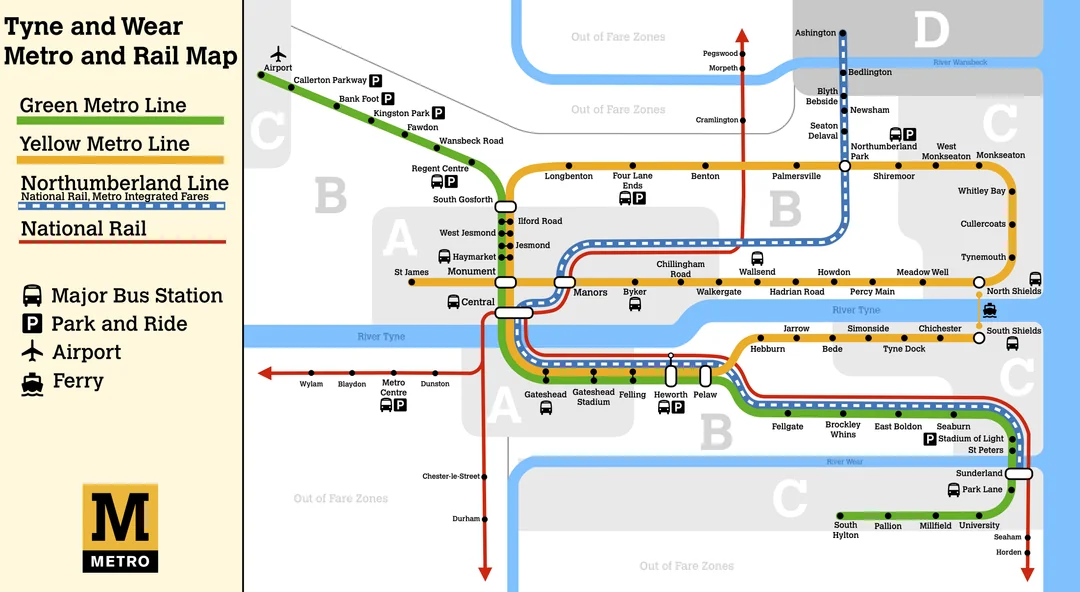
Resized images keep their size from Outline:
Code
Markers on a code block's first lines add a filename and, with [!highlight], highlighted lines; comments in the code mark diffs and focus:
export function greet(name: string) {
  const greeting = 'Hello'
  const greeting = 'Hi there'
  return `${greeting}, ${name}!`
}
Code blocks marked [!tab] become tabs (with icons via ~icon~), and [!line-numbers] numbers the lines:
services:
  blog:
    image: ghcr.io/jcktwd/vitepaper:latest
ports: ["3000:3000"]docker compose up -d
curl -I https://blog.jcktwd.ukDiagrams & maths
Tables & lists
| Outline | Blog |
|---|---|
:::tip notice | Styled callout |
+++ toggle | Collapsible section |
[!tab] marker | Code tab |
Quotes stay quotes.
Links between posts
Linking to another published document, like VitePaper - An Outline Docs Based Blogging Platform, becomes a normal blog link with a hover preview, and that post lists this one under Referenced In. Links to private documents turn into plain text.
Socials
Write
[^1]where the note belongs, and[^1]: the noteas its own paragraph at the end. ↩︎